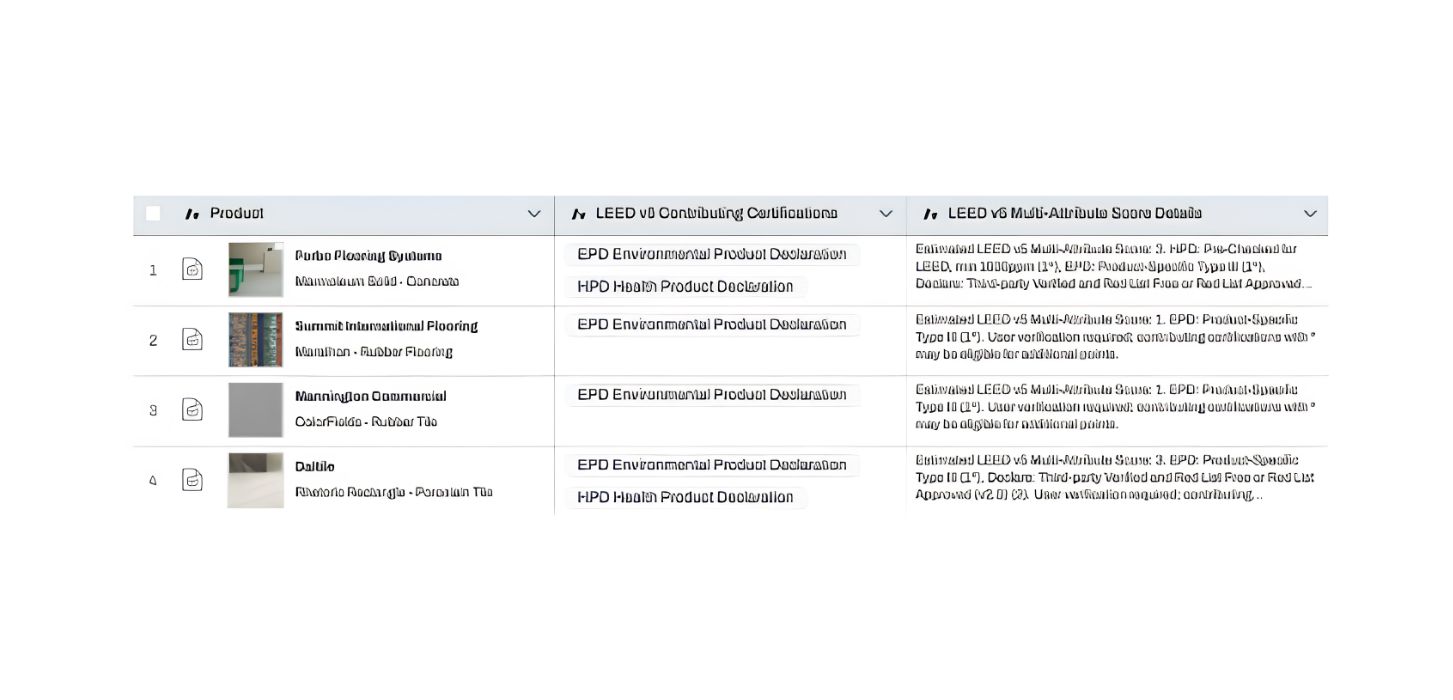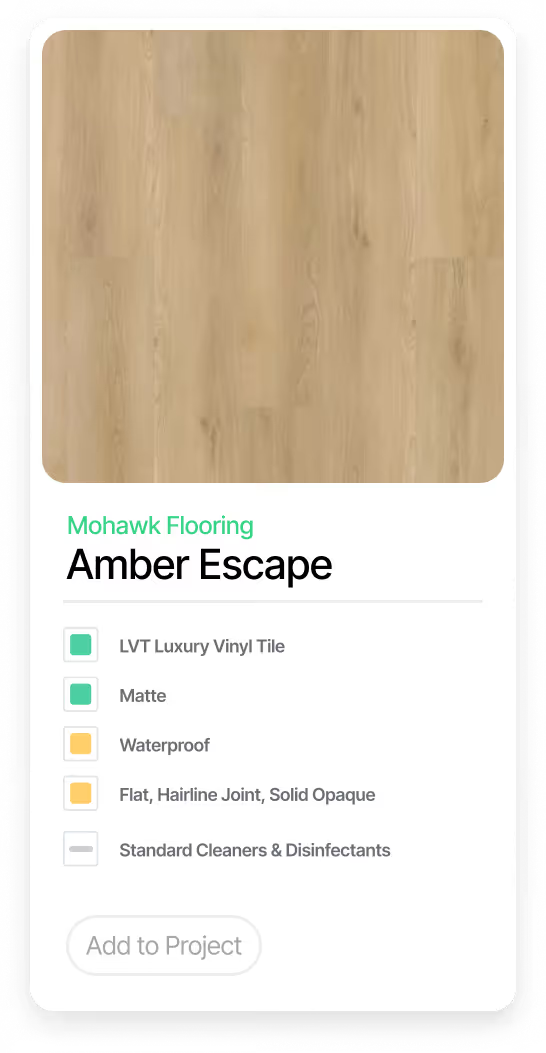

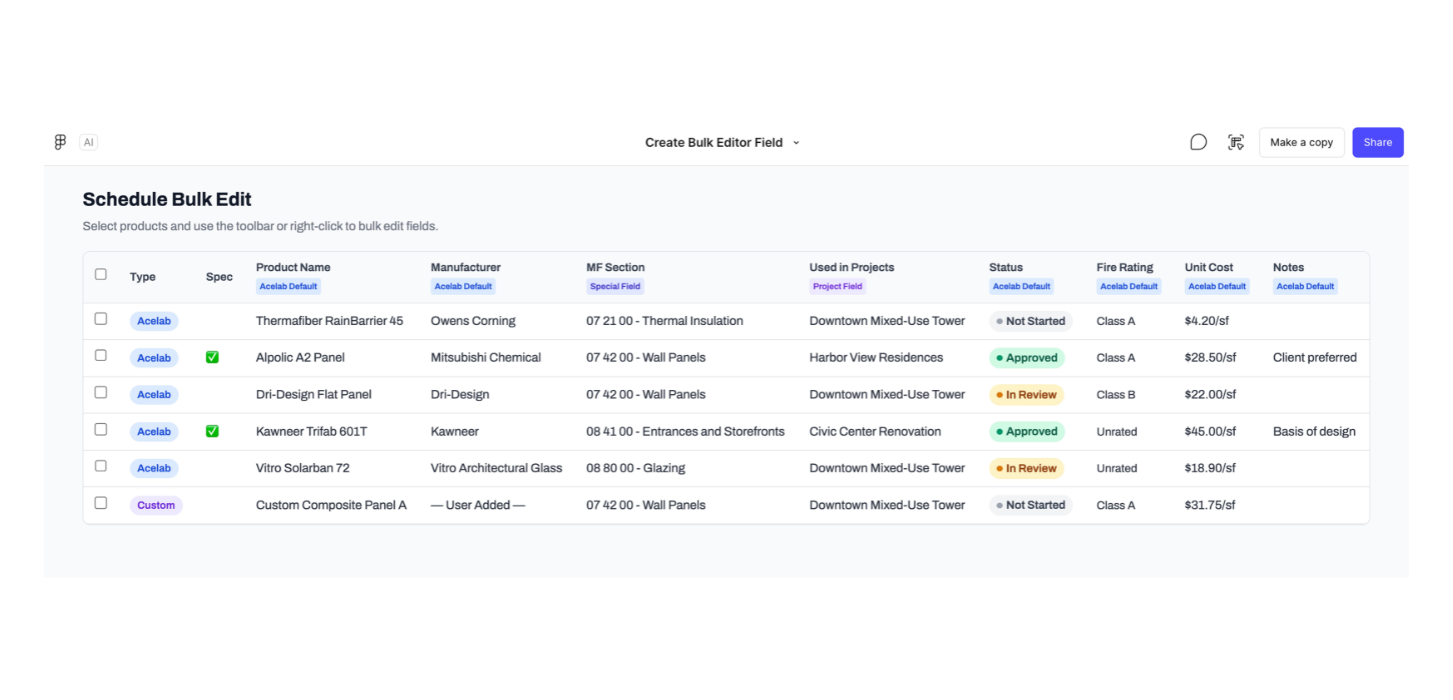
Updating fifty products one row at a time is one of those quiet drags on a project day. Material Hub now lets you select any number of products in your schedule and act on them all at once:
- Reassign Masterformat sections across a group of products
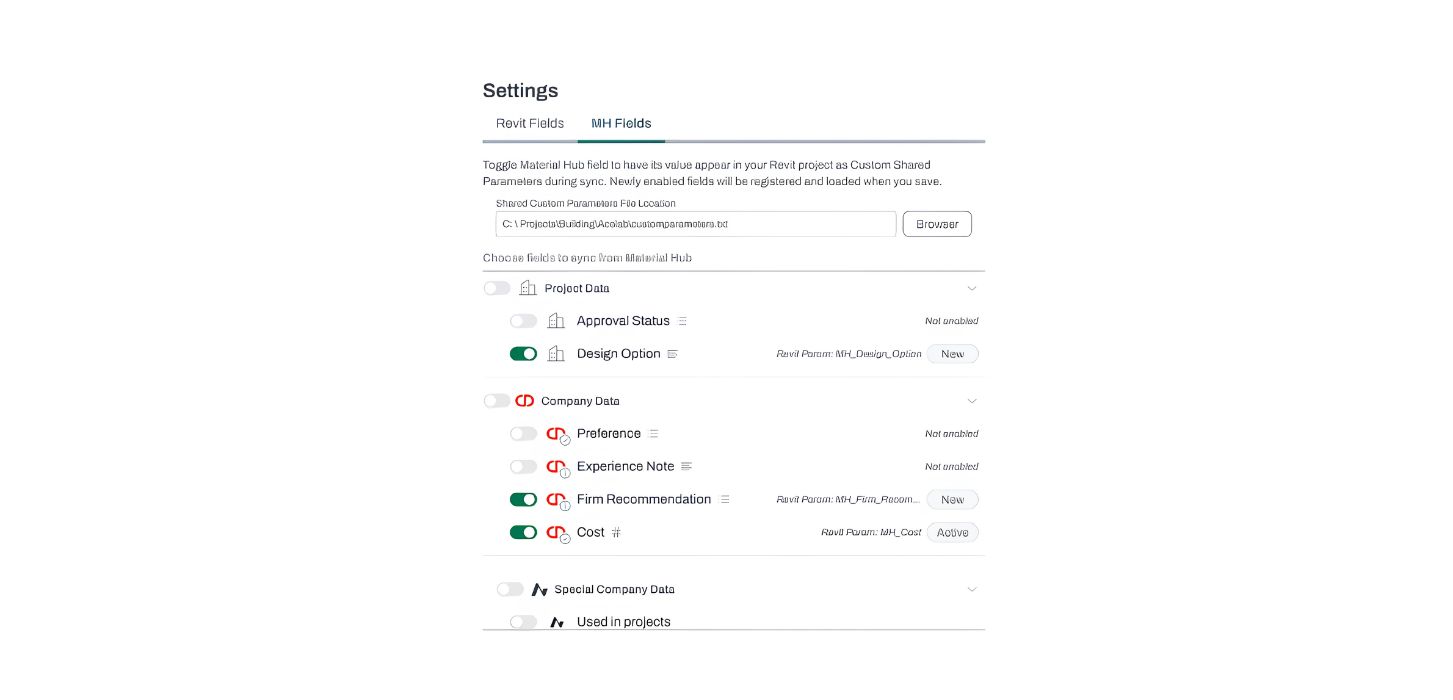
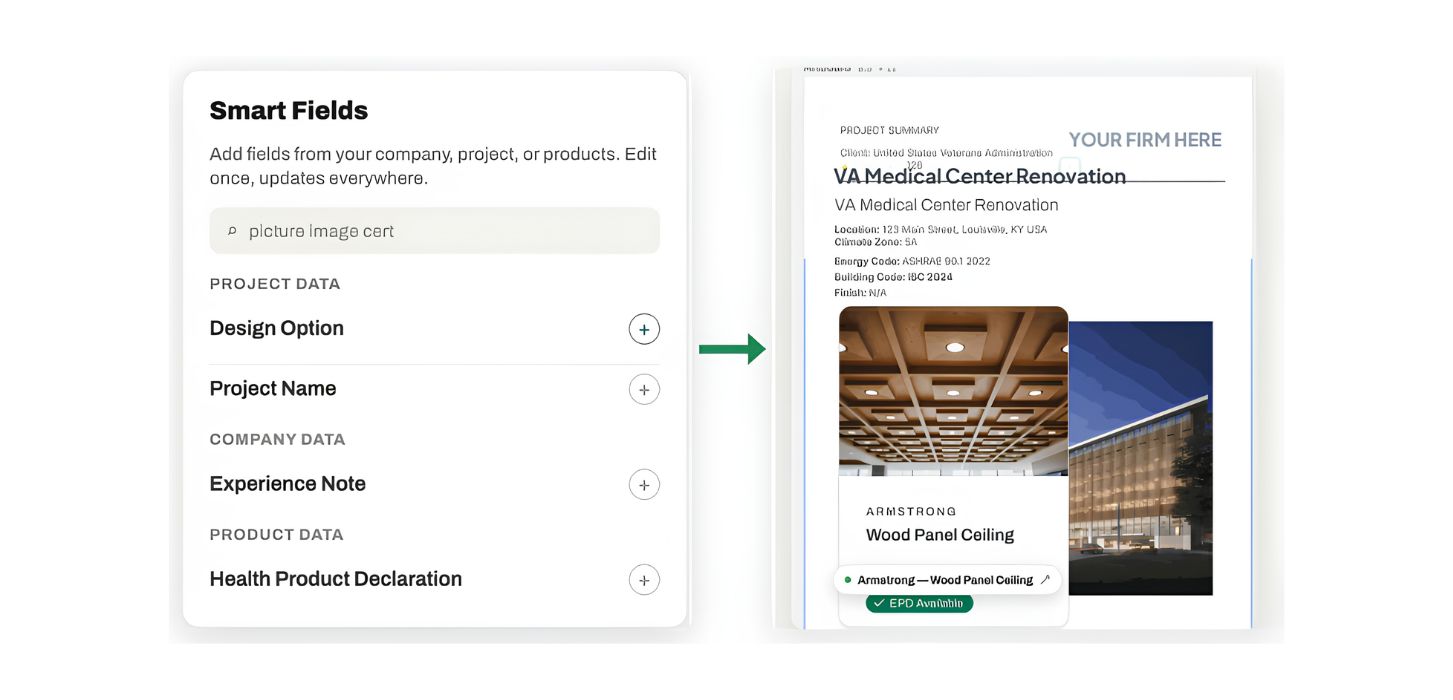
- Update project fields like approval status or vetting flags
- Add multiple products to SpecPlanner
- Copy products to another project in your portfolio
- Link products to additional projects via Used in Projects
- Remove products from your schedule
Check the rows you want, pick an action from the floating toolbar, done. Bulk-update your schedule and your specs, keynotes, and Revit files update with it. That's the power of material intelligence.