
Revit Model Integration
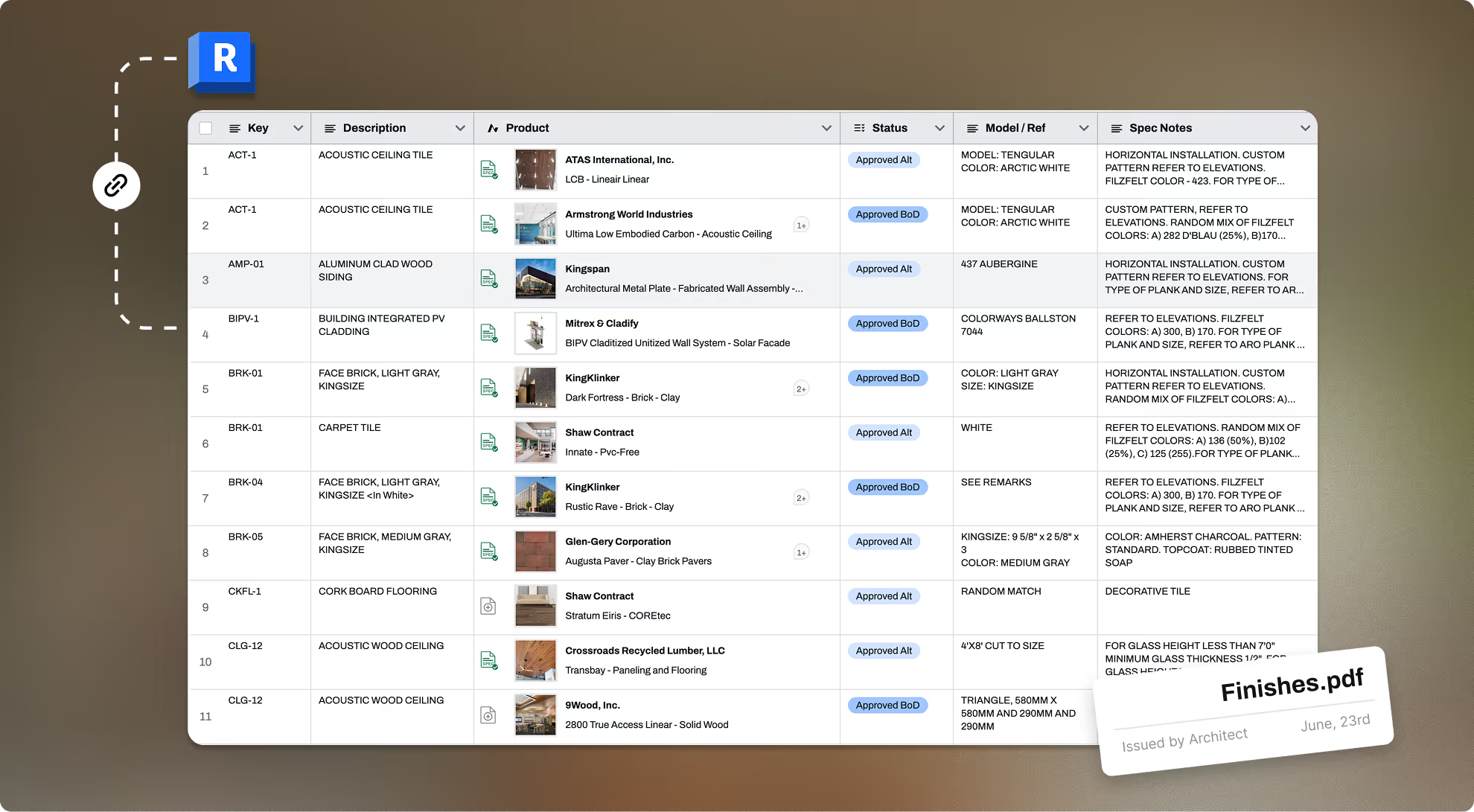
Bidirectional sync maintains a single source of truth between schedules, specs and drawings
.avif)
Create
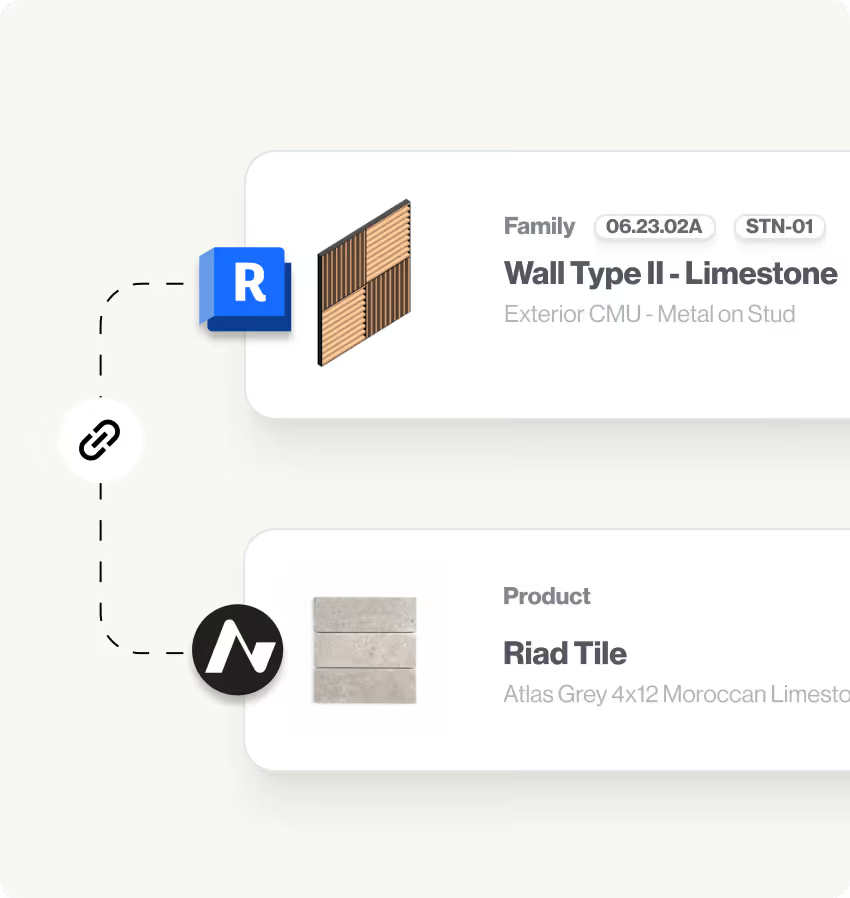

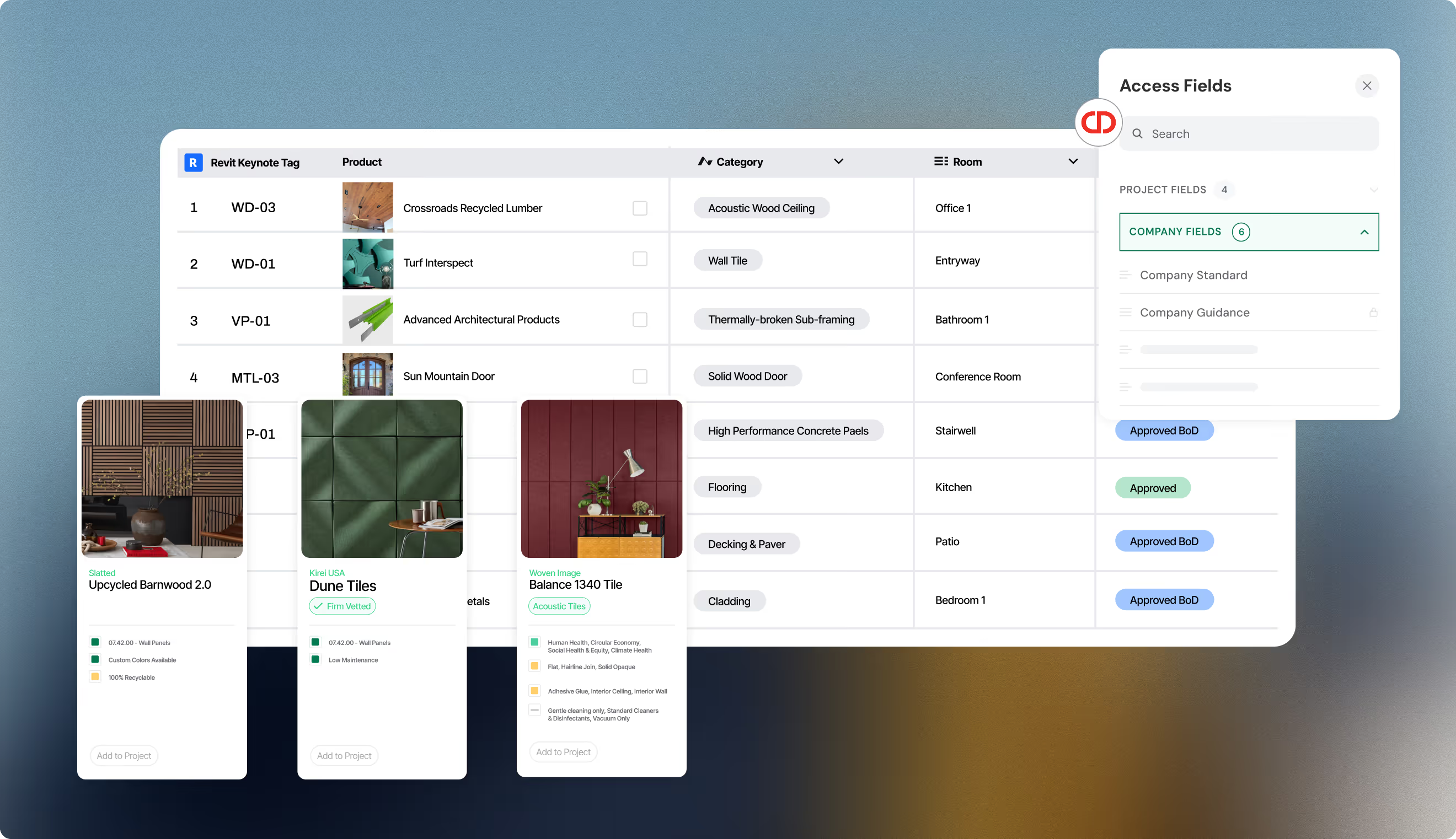
Bidirectional integration works your way. Map from Acelab product data to Revit families and materials or from Revit assets to products

Use import from filefunction file to quickly bring your existing keynote structure into your Material Hub Library of standards

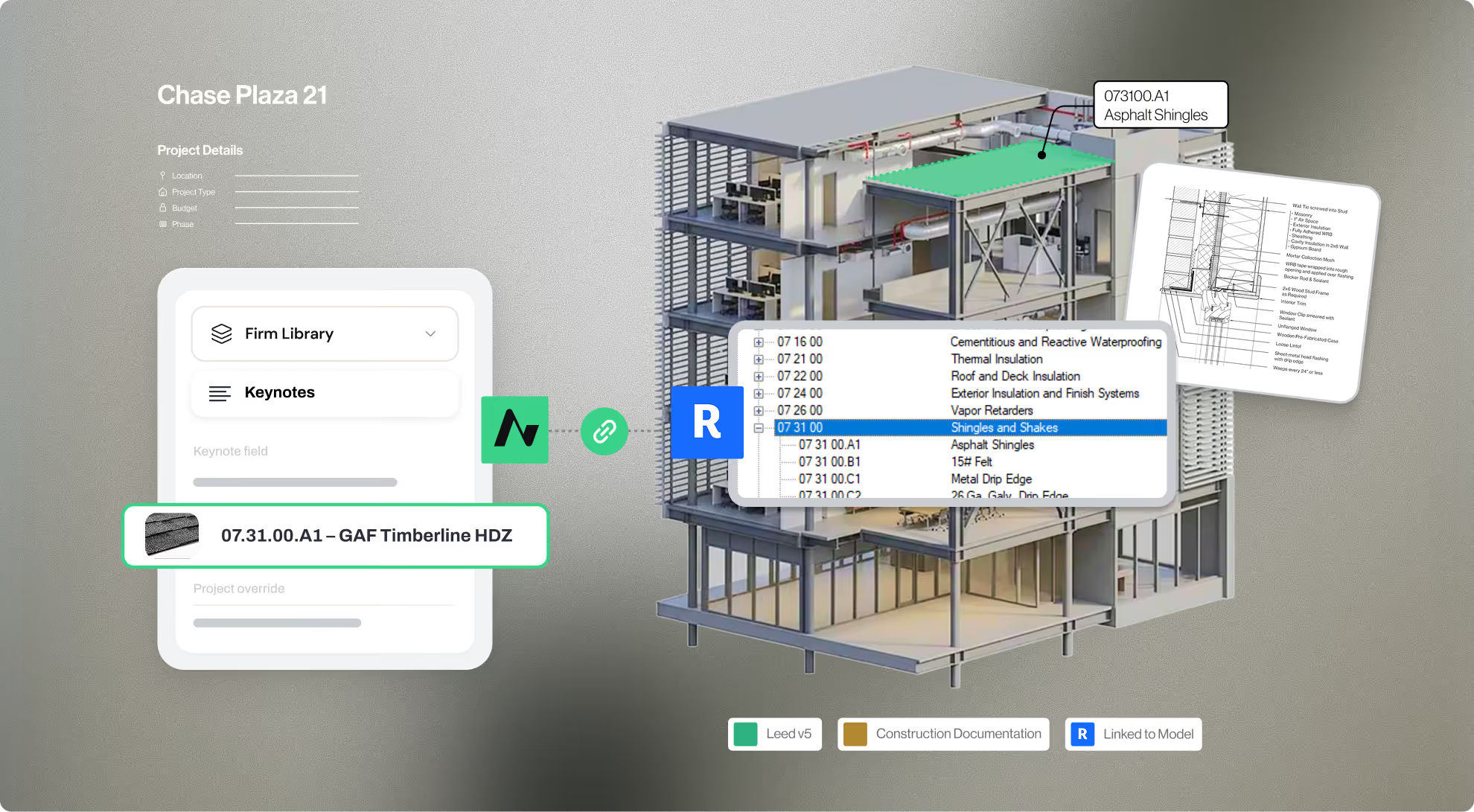
Keynotes and material tags sync automatically — replacing placeholder materials with verified product data
Integrate
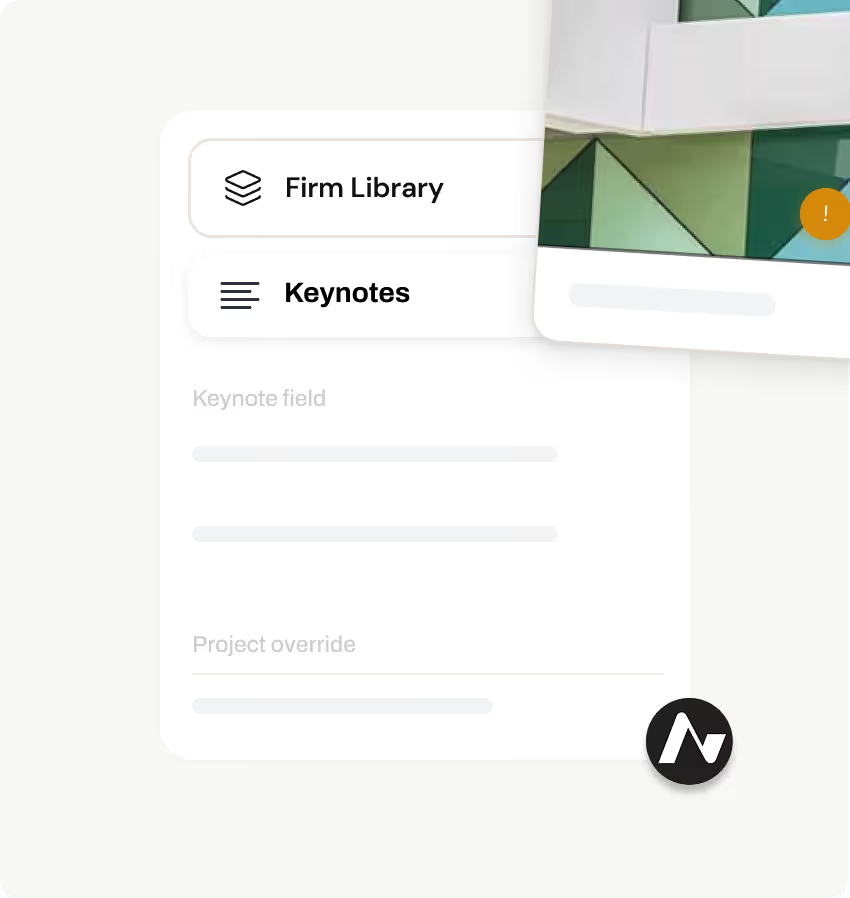
Material Hub becomes the single source of truth — specifications and drawings stay synchronized automatically
Changes in either platform update the other automatically — no remapping, no coordination errors
Smart product replacement maintains Revit mappings when specifications change — no remapping needed
Deliver
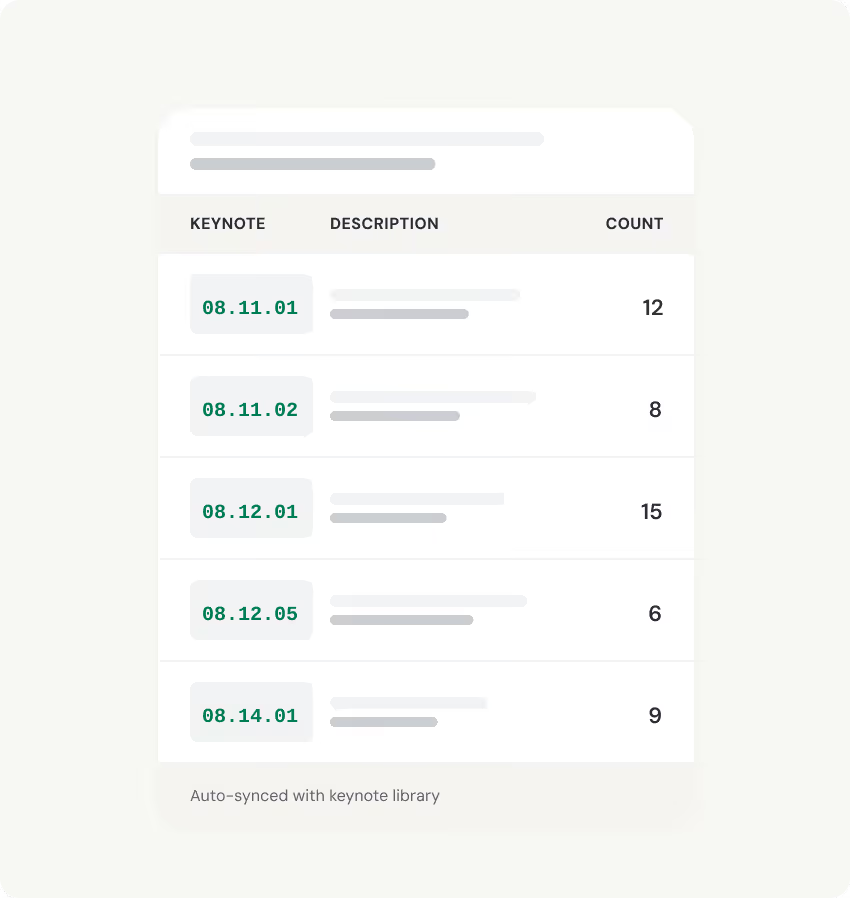
Save massive time at project deadlines — no more correcting keynotes and schedules manually in Revit
Eliminate errors and omissions by keeping specifications, drawings, and schedules automatically synchronized
Material intelligence embedded in your design process means better product decisions for every project
.avif)










Get started with Material Hub