

Walk into any leading firm and you'll find a process for almost everything. There is a process for setting up a new project. A process for issuing a drawing set. A process for QA review before a milestone. A process for delivering a project to a client. These processes are documented, refined, and enforced because firms know consistency is what makes practice scale.
Then ask how the firm makes and manages material decisions across a project. The answer is almost never a process. It is a collection of individual habits.
Five questions worth asking your team this week
If the answers are vague, you don't have a process. You have parallel records, and the work of keeping them aligned falls to whoever is paying attention.
1. Where is a material decision actually stored? A specific window selection might live as an image in a moodboard, a note in an email thread, a row in an Excel sheet, a bookmark in a browser, and a line in a draft spec, with none of those files knowing about the others. Ask five people on the project team where the official record of that selection lives and you will get five different answers.
2. Where does the data come from to populate a schedule or a sustainability report? Performance figures come from a manufacturer PDF downloaded six months ago. Sustainability data gets hunted down individually from EPDs and HPDs, often by interns. Cost numbers come from a vendor quote in someone's inbox. When a product substitution happens, none of that data updates automatically anywhere.
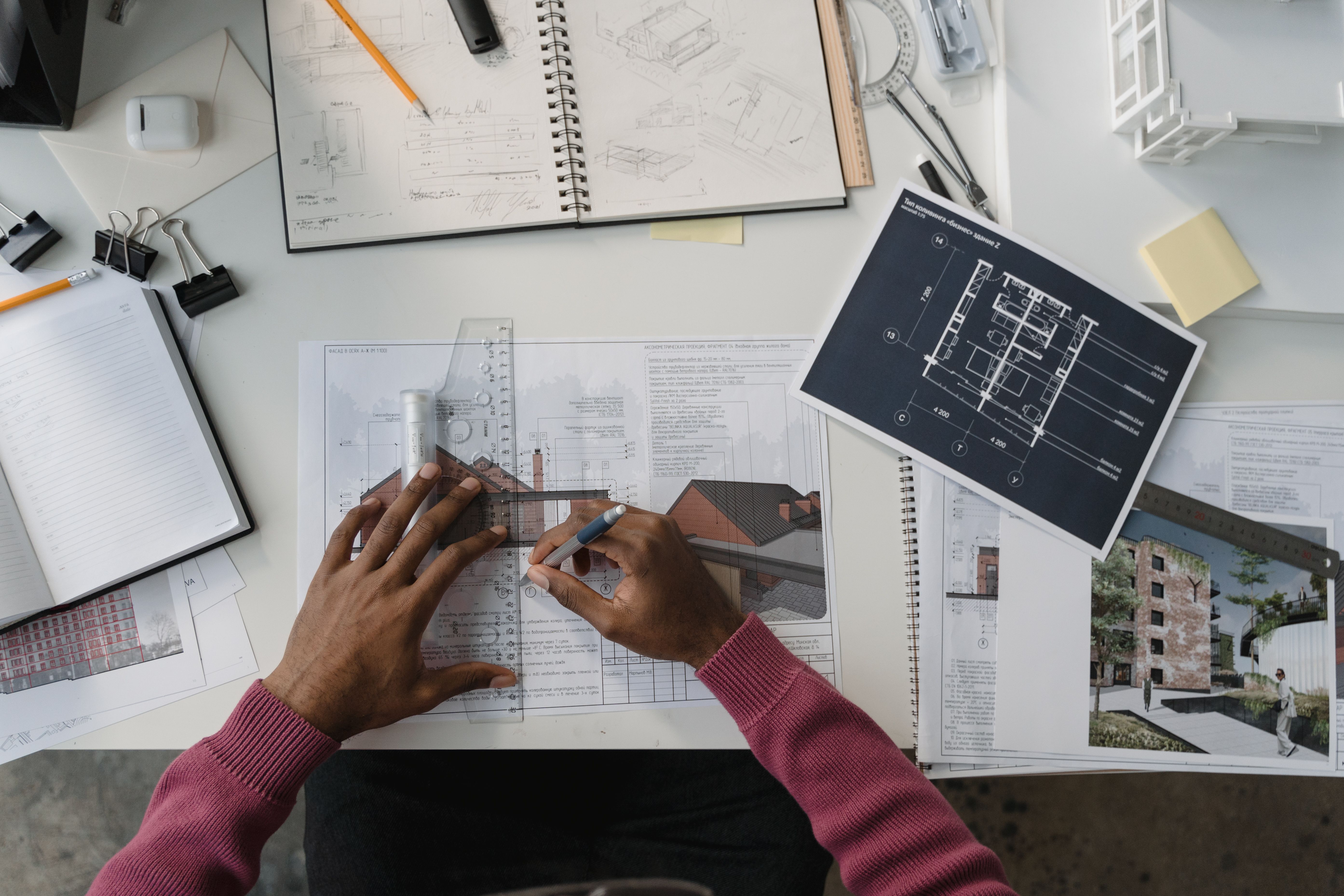
3. How is material information actually added to your drawings? In most firms it gets added twice. Once in the Revit model, where some teams use family parameters and some use generic types with manual tags. Once in the drawings themselves, where keynotes, material tags, annotations, and schedules are populated by hand from whatever the team's working spreadsheet looks like that week.
4. How much should you model in Revit, and what information should travel from the keynote and material tag to the schedule? Most firms have never explicitly answered this. Some teams model assemblies parametrically with full product data. Others use generic Revit types and rely on keynotes and material tags to carry product information. The decision gets made project by project, often by whoever is fastest, and the result is inconsistent depth of information across every drawing set the firm produces.
5. How do you QA all of this before a milestone? By hand. Someone sits down with the spec, the schedule, the keynote and material tag legends, and the Revit drawings, and tries to confirm they all agree. This is the work that happens late at night before submission deadlines. It is also the work that should not need to exist.
Five questions, one answer
Five questions, one answer: most firms have a process for one or two of these, but not a consistent process across all of them together.
A spec workflow may exist. A keynote standard may exist. A Revit family library may exist. But they run as separate pieces, each with its own owner and its own conventions. And inside a single firm, every project team may be applying them a little differently.
The reason is structural. Until recently, no platform could carry a material decision across specs, schedules, keynotes, material tags, Revit drawings, and sustainability reports as a single coordinated object.
What this costs the firm
Errors get caught at the worst possible moments. Hours that should go toward design get spent reconciling documents instead. Late changes ripple through five or more deliverables with no one accountable for catching every place a product appears.
Institutional knowledge is lost from one project to the next. Lessons learned on the last curtain wall, the last rainscreen detail, the last sustainable specification do not carry forward in a way the next team can use. Each new project team rebuilds research from scratch. The firm is not operating as efficiently as it could, and it is not making the best material choices it could for the clients it serves.
Clients pay for this twice. Once in time, and again in the quality compromises that come from documentation drift and rushed late-stage decisions.
The process firms have been missing
Material Hub is the change agent for this. It provides the technology infrastructure firms need to build a standard material process, applying material intelligence so project teams work more efficiently, make better and more consistent product choices, and resolve issues at the design stage rather than through RFIs during construction.
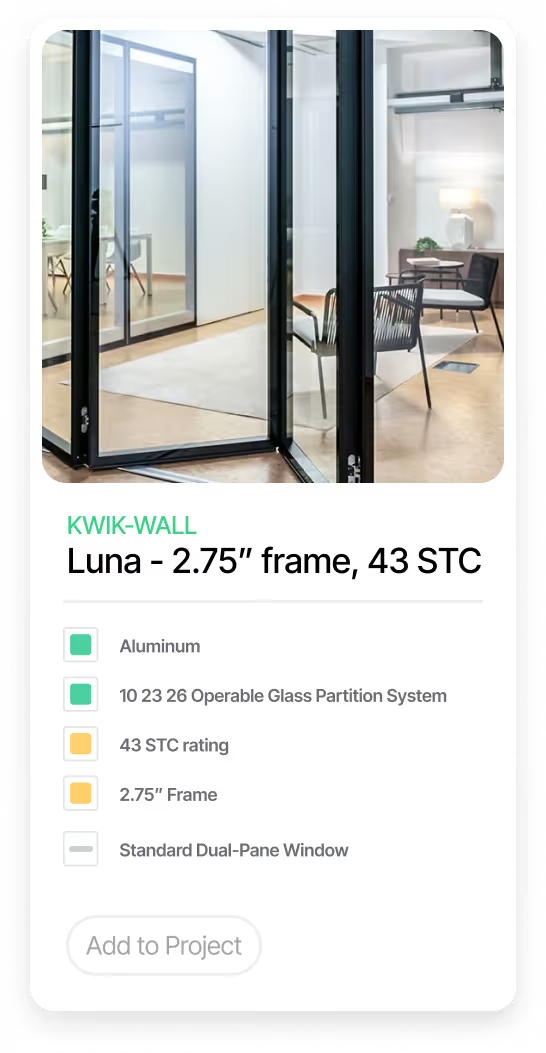
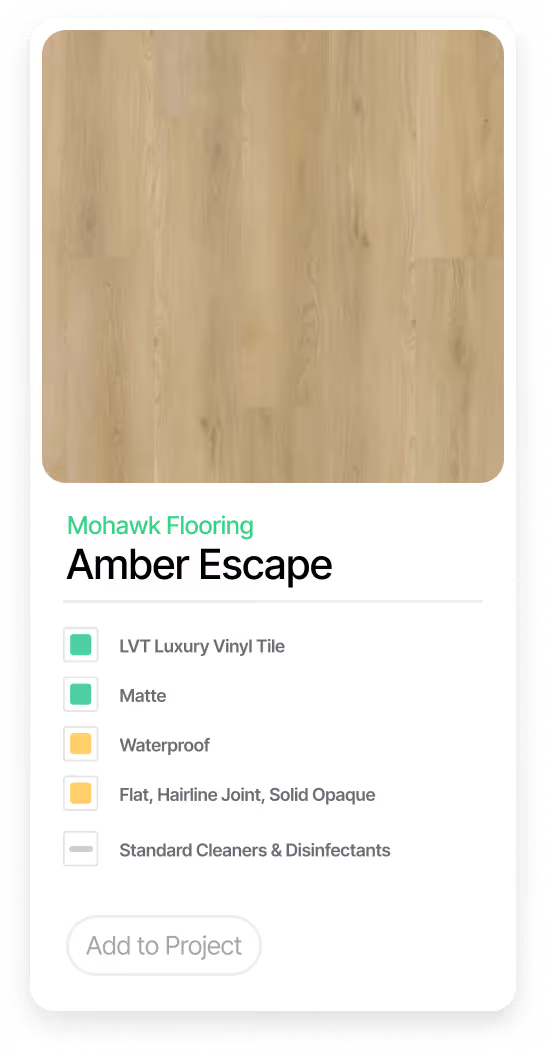
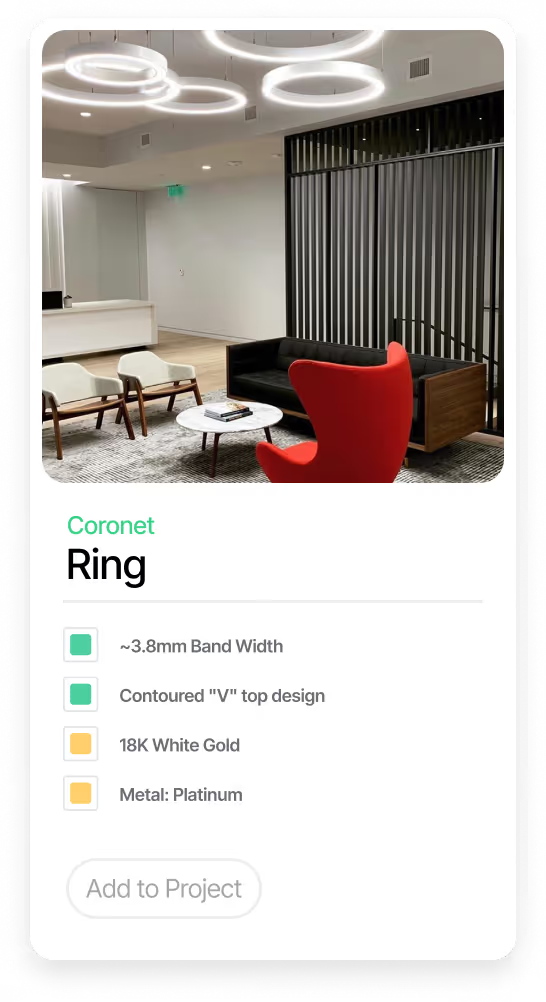
Every product selection in Material Hub is a material information model. Not a product listing. Not a row in a spreadsheet. Not a saved favorite. A model. It carries the full data set needed to make the decision: aesthetic information, performance data, code compliance, sustainability certifications, embodied carbon, cost, regional availability, lead time, and manufacturer documentation. It carries the full data set needed to document and report on the decision: spec language, schedule fields, keynote text, material tag values, Revit parameters, and the LEED, AIA Materials Pledge, and Common Materials Framework attributes that drive sustainability reporting.
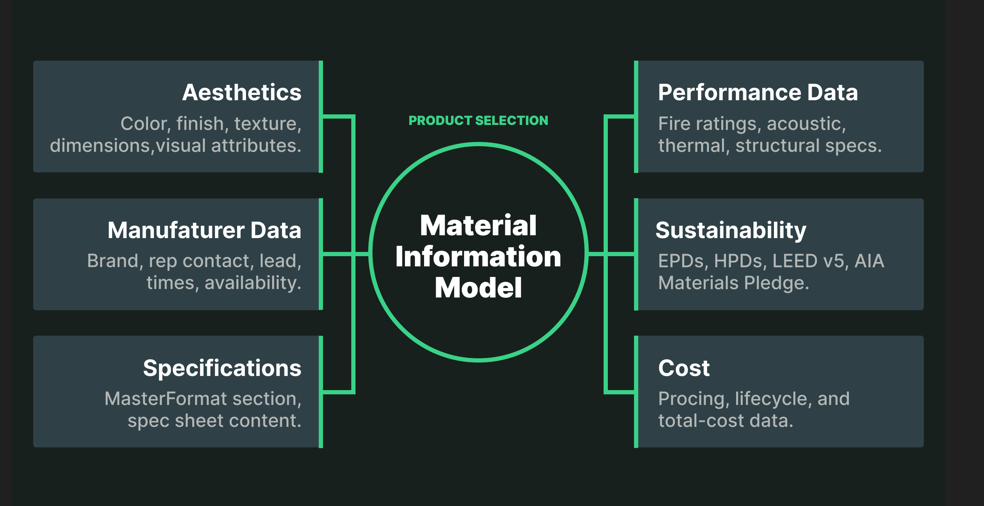
This is the same principle that made Revit standard in every firm. In Revit, a wall is not a line in a drawing. It is a building information model, and moving the wall once updates every view. Material Hub applies that principle to material decisions. A material information model is to a product selection what a BIM model is to a wall.
How a material decision moves through Material Hub
1. The architect researches and evaluates products inside Material Hub. AI-powered search across 250,000+ products from over 10,000 manufacturers, with side-by-side comparison on performance, sustainability, cost, code compliance, and aesthetic. The firm library brings forward basis-of-design preferences and proven products from past projects, so the team is not starting from a blank page.
2. The selection is recorded as a material information model in the project. When the architect commits to a product, that selection becomes a single canonical record carrying the full data set. The decision now lives in one place, with one version, accessible to every member of the team.
3. Documentation populates from the model automatically. The selection flows directly into the spec section, the finish schedule, the keynote legend, the material tag, the Revit drawing, the sustainability report, and the cut sheet. No one re-enters product data into separate files. Every document is a view of the same model, populated with data the model already carries.
4. The whole project team works from the same record. The designer making the decision is working with the same data the spec writer documents from, the same data the sustainability consultant reports from, the same data the owner reviews against, and the same data the contractor procures from. There is no version drift because there are no separate versions.
5. When the selection changes, every document changes with it. If a product gets substituted during construction, every place that decision appeared updates simultaneously: spec, schedule, keynote, material tag, Revit drawing, sustainability report. Drawings stay in sync with specs and schedules automatically. The coordination work that used to happen by hand stops being necessary.

What this gives firms in practice
A single source of truth for every material decision. Every material information model in Material Hub is one canonical record. One record that exists in one place and is referenced everywhere it appears. When a team member asks what is currently specified for the conference room curtain wall, there is exactly one answer, in exactly one place, accessible to every member of the team at any time. The parallel records problem disappears at its root.
Live, current data instead of stale snapshots. Each material information model is connected to live manufacturer data. When a manufacturer issues a new EPD, updates a performance specification, or revises a product line, those changes flow into every project that references that product. Sustainability reports and cost rollups don't get reconciled against six-month-old PDFs. The data the designer made the decision from is the same data the spec writer is documenting from, and it is current.
Every project starts from your firm's standards. Material Hub includes a firm library where your standards live: a curated set of material information models for tested products, proven assemblies, and basis-of-design preferences. New project teams don't start from a blank page. They start from the firm's collective material knowledge. New hires inherit that knowledge from day one, and remote teams operate from the same standards as the home office.
Documentation generates from the decision, not separately from it. Once a selection is made, every downstream document populates from the underlying material information model: the spec section, the finish schedule, the keynote legend, the material tag, the Revit drawing, the sustainability report, the cut sheet. None of these are separate authoring tasks. They are views of the same model. Change the selection and every view updates automatically, with no manual reconciliation.
QA is built into the workflow. Because every document is generated from the same underlying material information model, document drift cannot happen. The spec and the schedule cannot disagree about what is specified. The keynote and the material tag cannot disagree with the Revit drawing they reference. When a substitution happens during construction, every document updates simultaneously. The QA cycle that used to require four people reconciling four documents collapses into a single review of the underlying decision.
The opportunity
Firms have spent decades standardizing how they draw, model, and deliver. Material decisions are the last major workflow waiting for that same standardization. The firms that adopt this process first will move faster, document better, and deliver projects with fewer errors than the ones still improvising.
That is the opportunity in front of every practice right now.